
Where visitors are, and how big the market is there.
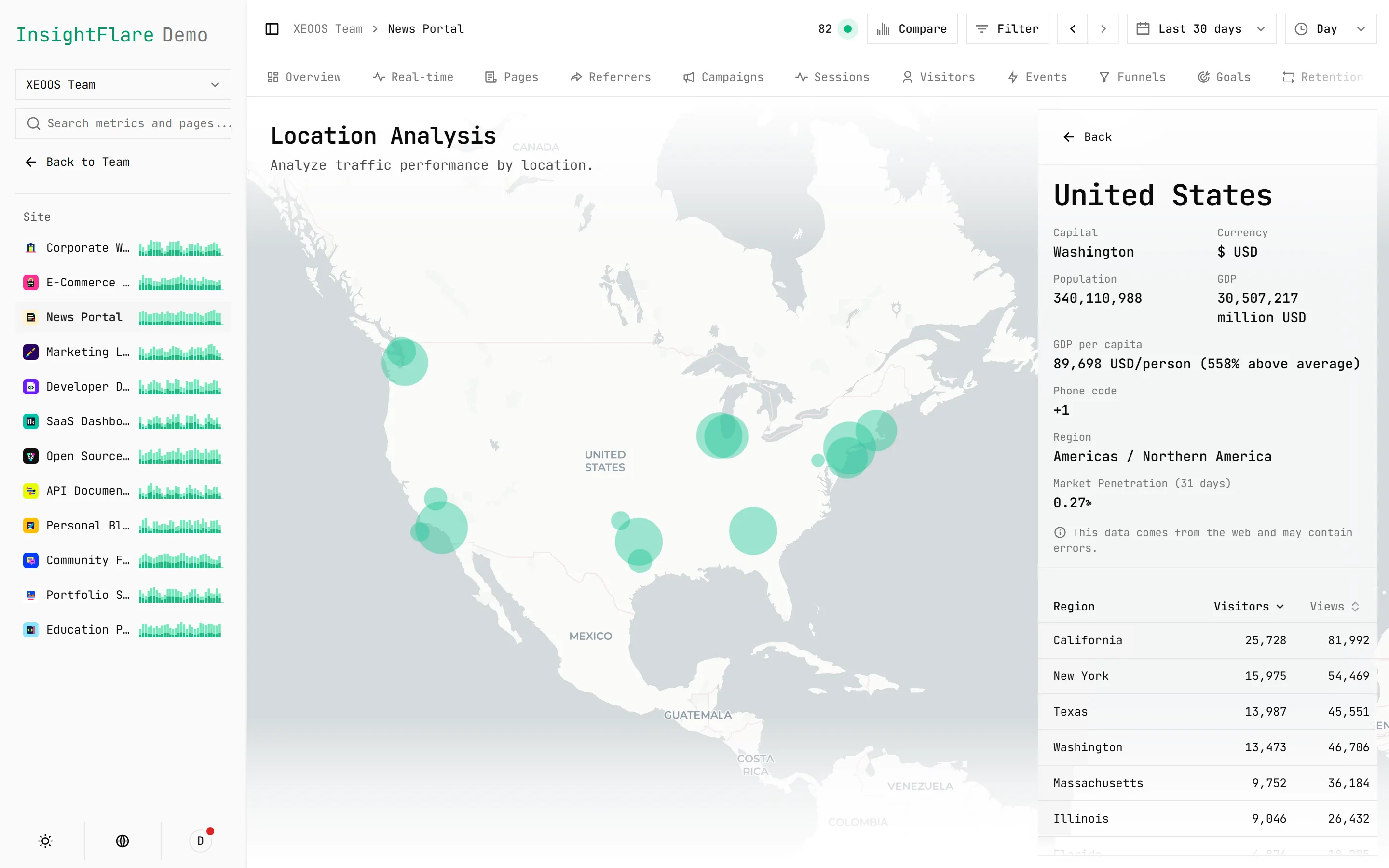
Location comes straight from the request metadata Cloudflare adds at the edge, with no third-party IP database. Drill down from countries to cities, with place names in your interface language, and see the population and economic figures for each region.
 JapanCapital · Tokyo
 加利福尼亚州 · 旧金山
Location is estimated from the IP address, and is only approximate at city level. Population and economic figures are public statistics shown for reference. They describe the region, not your visitors.
How it works in InsightFlare
Location data comes from the request metadata Cloudflare already attaches. There is no IP database to license or update.
Where the data comes from
Looking up IPs in a third-party database adds a dependency and a privacy question. InsightFlare reads the location fields Cloudflare puts on each request and stores them with the visit.
- Fields: country, region, city, continent, time zone, coordinates and the network's AS organization.
- Normal visitor IPs are not stored.
- Coordinates are city-level approximations, not a street address.
Six dimensions, drill down by level
A country total rarely answers the question. You can break traffic down by country, region, city, continent, time zone or organization, and step in level by level.
- Click a country to see its regions, then a region to see its cities.
- A breadcrumb shows where you are and takes you back up.
- Each level shows visitors and views for the current time range.
Map
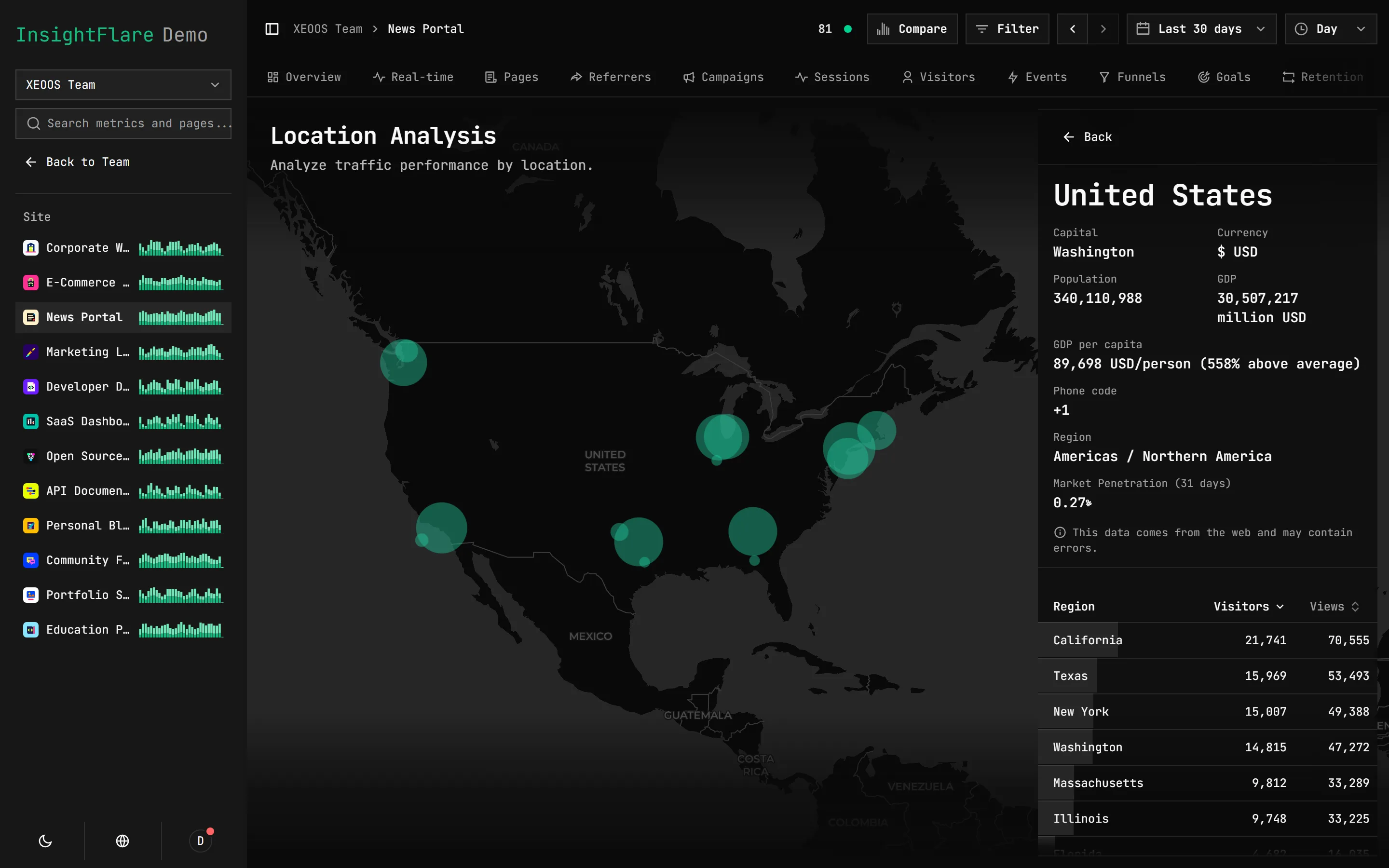
A table does not show where traffic clusters. The map colors countries by traffic and groups visitor points where they overlap.
- Rendered with MapLibre.
- Base map data is fetched through a relay. Set MAP_RELAY_BASE_URL to point at your own.
- Zoom in to separate clustered points.
Background on a place
Knowing a market sent you 4,000 visitors says little without context. Selecting a place opens a card with facts about it, so you can judge how large the opportunity is.
- Capital, population, GDP, and GDP per capita compared with the world average.
- Market penetration, currency, phone code and time zones.
- A short Wikipedia summary.
Place names in your language
Codes and English names are hard to read for a local team. Place names are shown in the interface language.
- Country names use the browser's Intl.DisplayNames.
- State, province and city names come from the open-source iso-3166-2-locale data.
- Traditional Chinese is converted from Simplified with opencc.
- Set GEO_LOCALE_API_BASE_URL to serve the name data yourself.
Filter and compare by location
Each location dimension is also a filter field. Any report can be narrowed to a place, or compared against another one.
- Fields: geo.country, geo.region, geo.city, geo.continent, geo.timeZone, geo.organization and geo.isEU.
- Combine with other conditions, such as performance or traffic source.
geo.country in ["JP", "KR"]
Before entering a market
Compare a country's visitors with its GDP per capita and market penetration (visitors ÷ population) to see whether your traffic fits the size of the market.
Timing releases by time zone
See traffic by the visitors' time zones, and schedule releases, emails and maintenance accordingly.
Telling networks apart
Group traffic by network organization (the operator or cloud provider behind the ASN) to tell home broadband, mobile networks and data centers apart.
Nothing extra to set up
Geographic fields come from the metadata Cloudflare attaches to every request, so they are recorded as soon as the tracking script is installed.
- 1Deploy and install the tracking script following the quick start.
- 2Open a site's Location page and drill down by country, region and city.
- 3Open a country or region to see its context card and Wikipedia summary.
- 4If you host the place-name dictionary or the map relay yourself, set the matching environment variables.
Questions
It is Cloudflare's estimate from the IP address. Countries are usually reliable. Cities are approximate, not precise positions.
Country names use the browser's built-in Intl.DisplayNames. State and city names come from the open-source iso-3166-2-locale dictionary, and Traditional Chinese is converted from Simplified automatically. A public instance is used by default; you can host your own and point GEO_LOCALE_API_BASE_URL at it.
Coordinates are Cloudflare's city-level approximations. IP addresses of regular visitors are not stored. Only requests classified as bots and blocked have their IP recorded, and only when Analytics Engine is enabled.