
Analytics for every client site, in one team
If you build sites for clients or run several products, you need one place to check them all and a safe way to show each client only their own numbers. InsightFlare puts every site in a team, and you pay Cloudflare for usage, not for sites or seats.
Checking sites one by one
Opening a separate dashboard per client takes time. Problems on a quiet site go unnoticed for days.
Clients want to see numbers
Sending screenshots every month is manual work. Giving a client a login to the whole account is not an option.
Pricing grows with your client list
Hosted tools usually charge per site, per seat or per event. Every new client or contractor raises the bill.
How InsightFlare handles it
All sites in one team
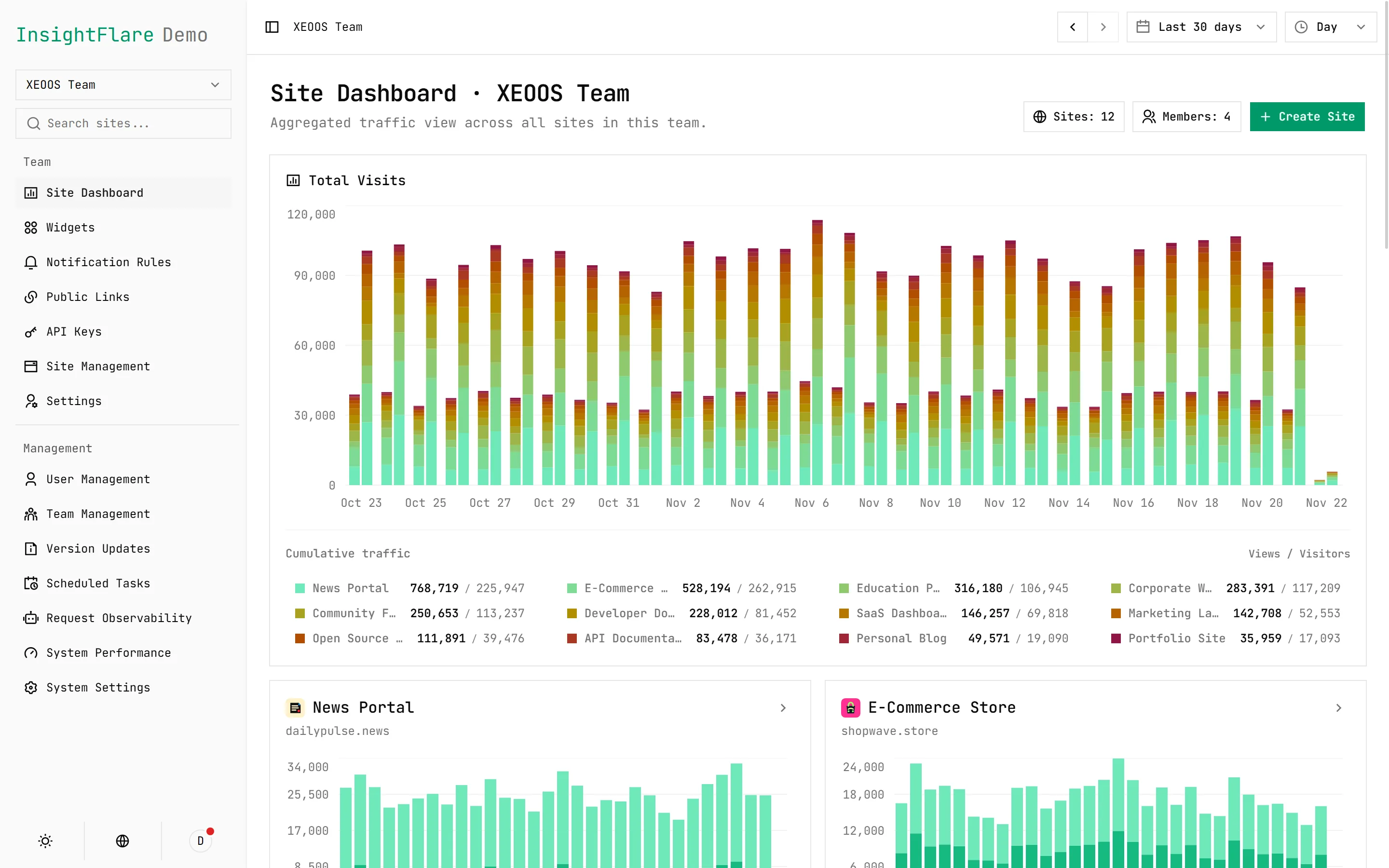
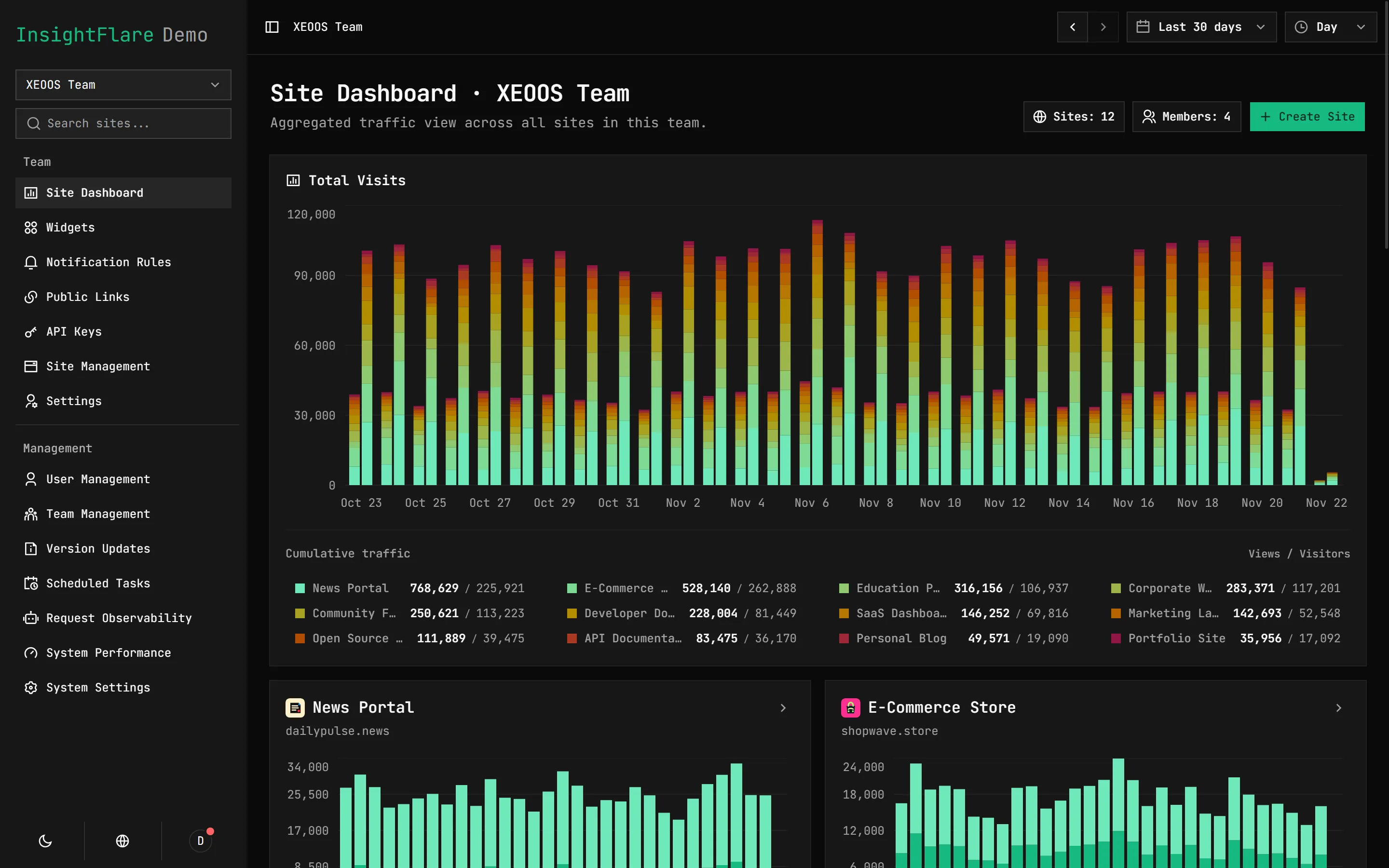
The team page lists each site with its main metrics and the change against the previous period. You see which sites are up or down before opening any of them.
- Add as many sites as you like to a team
- Team-level analytics across sites through the API
- Four interface languages
Roles and per-site access
Members have the role owner, admin or member. Admins can open every site. A member can be limited to the sites you pick, so a client or contractor only sees their own.
- Invite people with a link, optionally tied to one email
- Edit a member's site access at any time
- Removing a member takes effect immediately
Read-only share links for clients
Turn on public sharing for a site and send the link. The client needs no account. You can set your own slug, and turn the link off whenever you want.
- Overview, pages, sources, referrals, location, devices, browsers, performance and retention
- Read-only, with fewer filters than the private dashboard
- Anyone with the link can view it, so share it with care
Reports and alerts
Notification rules and periodic reports (daily, weekly or monthly) arrive in the in-app inbox and by email. Use them to catch a traffic drop or to send a regular summary to your team.
OperationsCost follows usage
InsightFlare is free and open source (MIT). You deploy it to your own Cloudflare account and pay Cloudflare for what you use. There is no fee per site, per seat or per event, and reports are not sampled.
Self-hostingYes. Limit the member's site access to that site, or send a read-only share link. The share link needs no account, but anyone who has it can open it.
No. InsightFlare has no white-label option. You can choose the share link slug, but the page itself is not rebranded.
InsightFlare does not charge or cap by site count. Your limits come from your Cloudflare plan and usage.
No. There is no import for historical data from other analytics tools. A new site starts collecting from the day you add the script.
Deploy it to your own Cloudflare account
Set up InsightFlare in a few steps, or open the live demo to look around first.