
Web analytics that sets no cookies and keeps data with you
If your visitors are in Europe, or you simply want to collect less, InsightFlare lets you decide how visitors are identified. The tracking script sets no cookies, and the data stays in your own Cloudflare account. Whether you need consent depends on your setup and your region, so check with a legal adviser.
Cookies and stored identifiers
Many analytics scripts set cookies or keep IDs in the browser. That raises questions about consent and about what your privacy policy must say.
Visitor data leaving your control
With a hosted analytics vendor, your visitors' data sits on someone else's servers, under someone else's terms.
Not knowing what is stored
It is hard to write an accurate privacy policy when you cannot say which identifiers are used, or whether IP addresses are kept.
What InsightFlare does
No cookies from the script
The tracking script neither sets nor reads cookies. (The dashboard uses a login session cookie and a language cookie, but those are for the people who sign in to your instance, not for your visitors.)
How visitors are identifiedTracking strength per site
The default, smart, treats visitors from countries Cloudflare marks as EU differently from the rest. You can switch a site to strong or weak.
- EU visitors: a server-side daily ID, hashed from IP, User-Agent and a daily salt. It changes every day and cannot be linked across days. Nothing is stored in the browser.
- Other regions: a random ID in localStorage
- Weak: the daily ID for everyone. Strong: localStorage for everyone
- The server also enforces the site setting
What is and is not stored
Raw IP addresses of normal visitors are not saved. The only case is a request that was flagged as a bot and blocked, when Analytics Engine is enabled. Location is an approximate, city-level value from Cloudflare.
- If you call identify, the user ID you send is stored. Only send data you have the right to collect
- With the daily ID, the same person on two days counts as two visitors, so retention does not apply
Data stays in your Cloudflare account
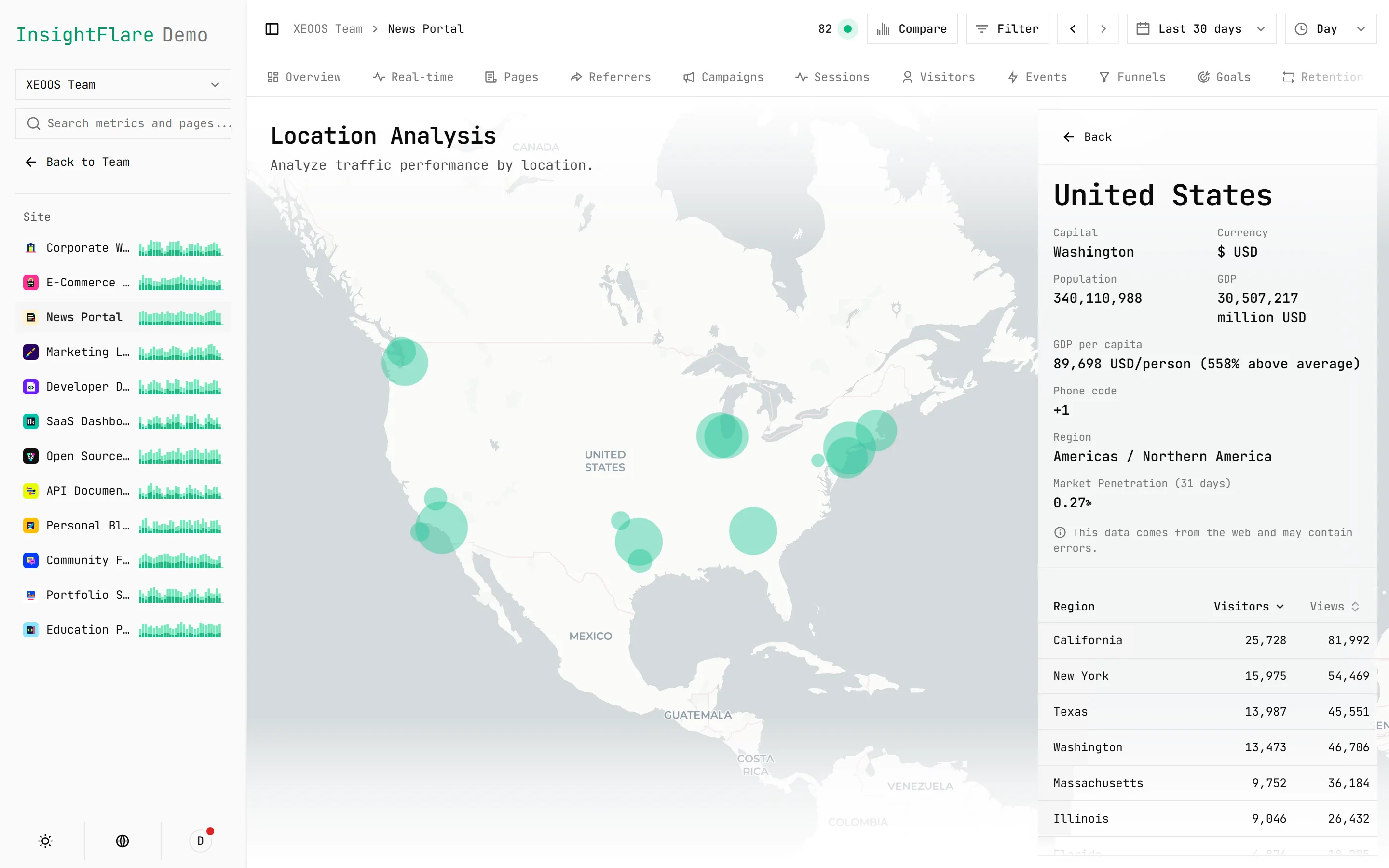
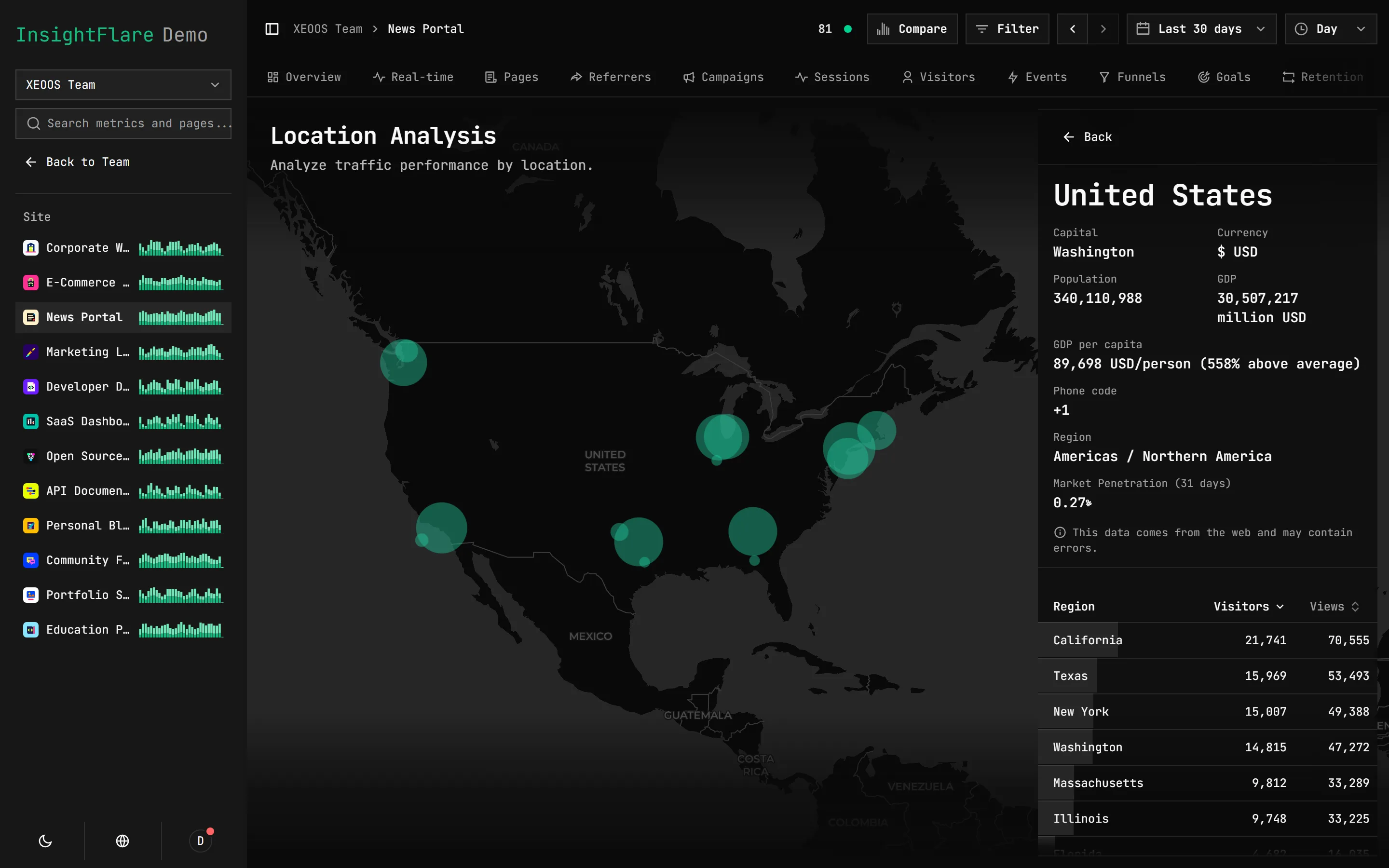
InsightFlare is open source (MIT) and runs on your own Cloudflare Workers and D1. Visits are not sent to a third-party analytics vendor.
Self-hostingCollect less when you want to
A few switches let you narrow what is recorded for each site.
- Do Not Track: ignored by default, and you can choose to respect it
- Turn off query parameter or hash tracking. Turning off query parameters also drops UTM data
- Bot blocking and rules on nine dimensions keep unwanted traffic out
We cannot tell you that. It depends on your tracking settings, what else your site does and where your visitors are. InsightFlare describes what it stores so you can decide with a legal adviser.
Compliance depends on how you use a tool, not on the tool alone. InsightFlare sets no cookies, stores no raw IPs for normal visitors and keeps data in your own account. You still need to review your own setup and privacy policy.
Tracking strength is set per site. Under the default setting, visitors from EU countries get the daily ID and others get a random ID in localStorage. The rules are in the documentation.
Yes. Do Not Track is ignored by default. In the site's tracking settings you can switch it to be respected, and those visitors will not be tracked.
Deploy it to your own Cloudflare account
Set up InsightFlare in a few steps, or open the live demo to look around first.