
Collection and operations, managed in the dashboard.
The tracking script is generated per site, so tracking strength, query parameters and performance sampling can be changed in the dashboard. The collector filters requests with a signed token and blocking rules, and the outcome of every request appears in request observability. Rollups, notifications and database maintenance run as scheduled tasks, and their runs are visible too.
<script defer src="https://stats.edgekit.dev/script.js?siteId=edgekit"></script>

insightflare.track("signup", { plan: "pro", seats: 5 });
insightflare.trackOnce("pricing_viewed");
insightflare.identify("acct_1024", { name: "Ada" });
insightflare.setGlobalProperties({ release: "2026.11" });

<button data-insightflare-event="cta_click">Deploy</button>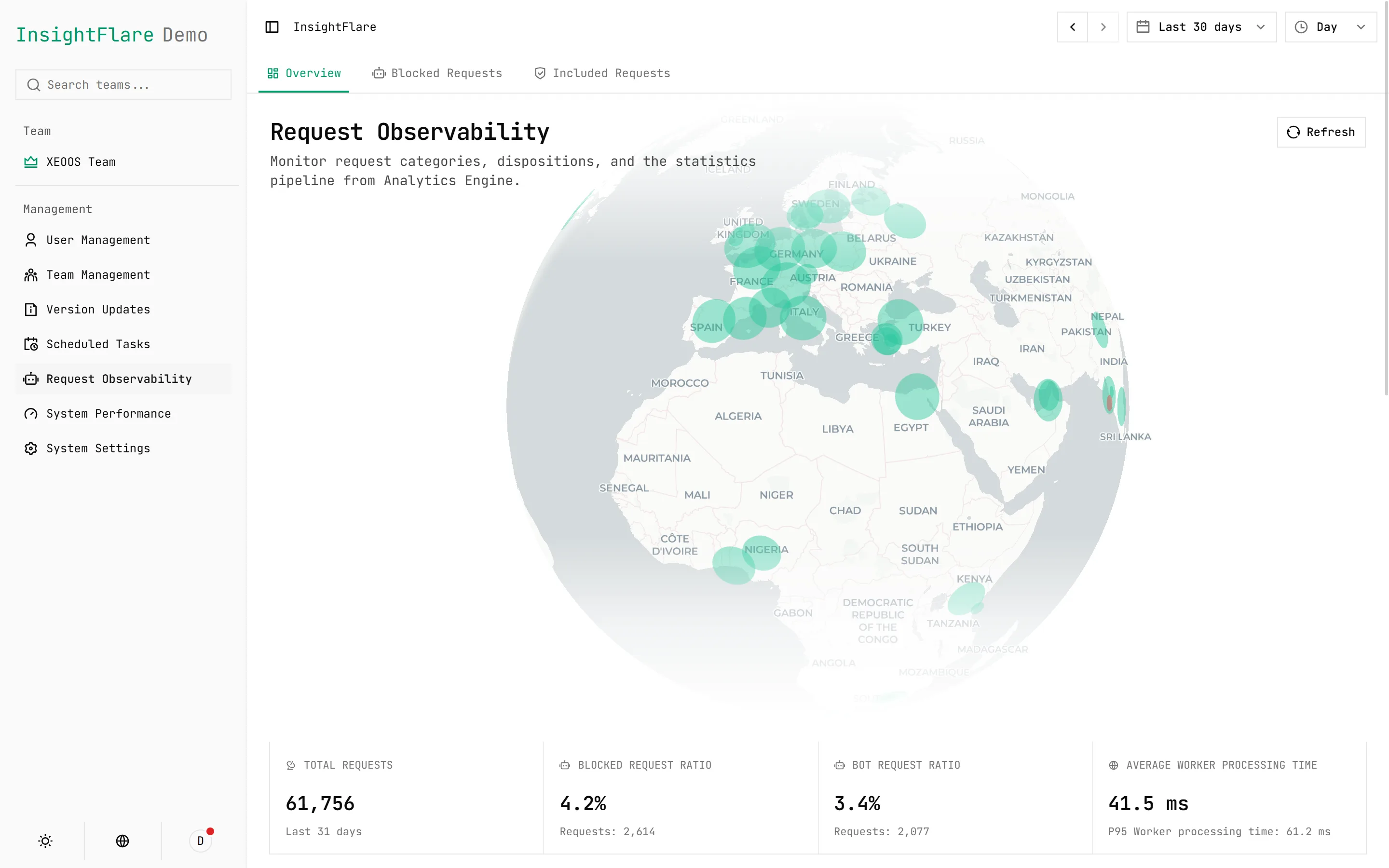
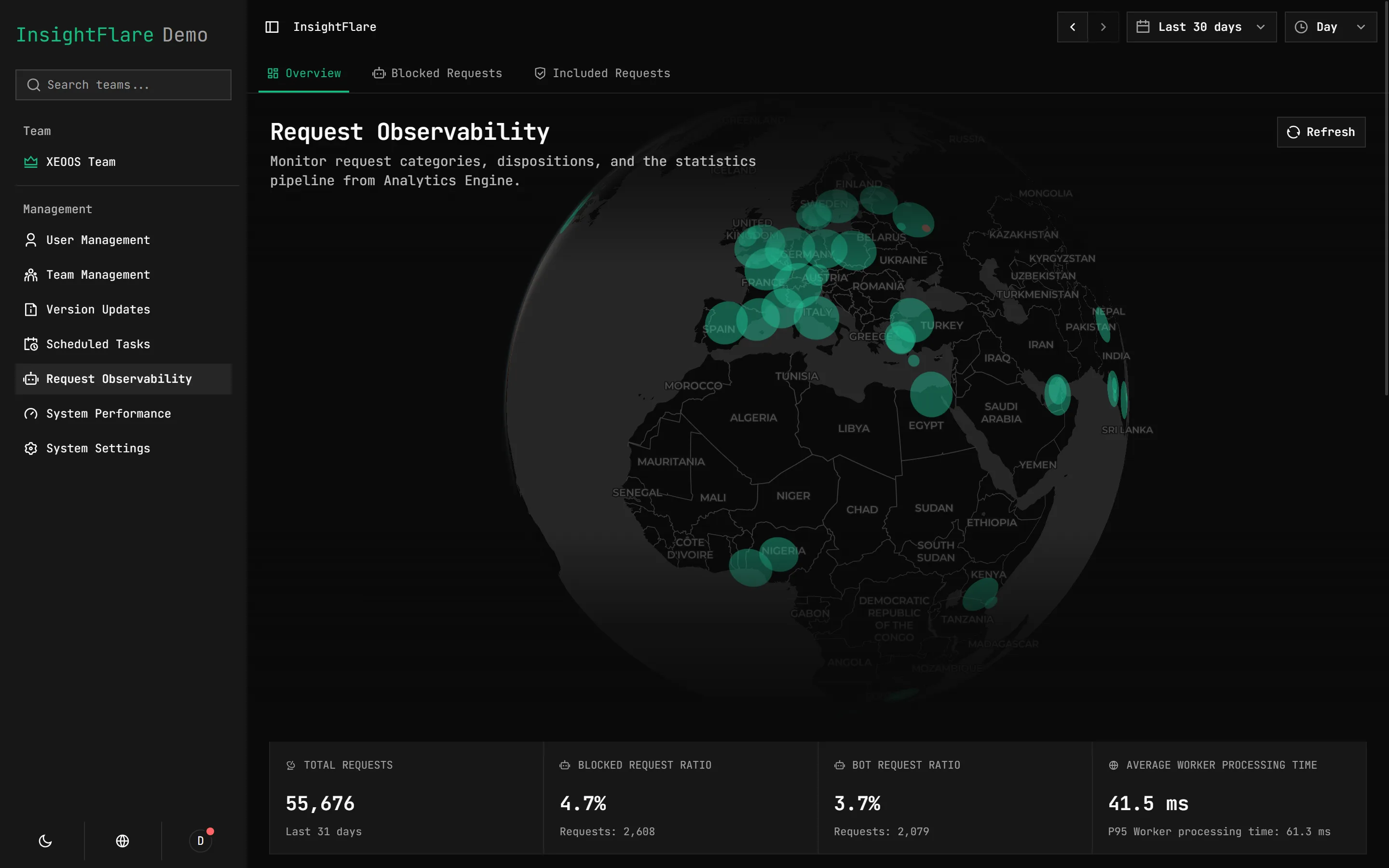
Request observability needs the Analytics Engine binding. Without it, collection and reports work as usual, but you won't see request details.
How it works in InsightFlare
One small script collects the data. Settings, bot filtering and scheduled jobs all run on your own Cloudflare account and are managed from the dashboard.
A tracker you can call from code or markup
Most product events come from clicks and forms, and not every team wants to write JavaScript for each one. The script exposes a small API on window.insightflare, and also reads data attributes so plain HTML can send events.
- track, trackOnce, identify, reset, setGlobalProperties, clearGlobalProperties and debug are the whole public API.
- Add data-insightflare-event to any element to send an event on click. Add data-insightflare-event-trigger="submit" on a form to send on submit.
- Other data-insightflare-event-* attributes, or a JSON object in data-insightflare-event-data, become the event payload.
- Links to other domains are sent as outbound_click with the url and domain, when that option is on.
- SPA route changes are picked up from pushState and replaceState. Changes within 300 ms are merged into the last route, so quick redirects do not count as extra pageviews.
<button
  data-insightflare-event="signup_click"
  data-insightflare-event-plan="pro">
  Start free
</button>

<form
  data-insightflare-event="newsletter_submit"
  data-insightflare-event-trigger="submit"
  data-insightflare-event-data='{"source":"footer"}'>
  ...
</form>

<script>
  insightflare.setGlobalProperties({ appVersion: "2.4.0" });
  insightflare.identify("user_123", { name: "Ada" });
  insightflare.track("export_report", { format: "csv" });
</script>Event payload limits
Custom event data is stored as queryable fields, so the server checks its shape before accepting it. A payload that breaks a limit is rejected instead of being cut down silently.
- The payload must be a JSON object. Arrays and bare values at the top level are not accepted.
- The serialized JSON can be at most 8 KB.
- Nesting can go 6 levels deep. Arrays hold up to 50 items.
- Keys can be up to 120 characters and string values up to 500.
- The whole object can hold up to 200 nodes and 100 values.
Script settings are delivered online
The tracking script is generated for each site when it is requested. You change settings in the dashboard or through the API, and the embed code on your pages stays the same.
- Controlled from the site settings: tracking strength, query parameters, hash, outbound links, performance sampling and Do Not Track.
- By default the script stops when the browser sends Do Not Track. A site option can ignore that signal.
- When the performance sample rate is 0, a smaller script without the performance code is served.
- The script reads User-Agent Client Hints, so browser and OS versions are more accurate than parsing the UA string alone.
<script defer src="https://stats.example.com/script.js?siteId=YOUR_SITE_ID"></script>
Tracking strength and visitor identity
Privacy rules differ by region, and a single global setting is either too loose or too strict. Each site picks a strength, and the default decides per visitor.
- Smart (the default) uses Cloudflare's EU country flag. Visitors in the EU get a daily identifier derived from IP, user agent and a daily salt. Everyone else gets a random ID kept in localStorage.
- Strong always uses the localStorage ID. Weak always uses the daily identifier.
- The server applies the site setting again when it receives the event, so a modified script cannot choose a different mode.
- With the daily identifier, the same person is counted as a new visitor each day.
Collection tokens, blocking rules and bot filtering
A public collect endpoint attracts junk traffic. InsightFlare checks every request before it is stored, and drops what fails without sending an error back.
- The script carries a collection token bound to the site and the visitor's IP. It is valid for 12 hours. Requests with an invalid token are dropped silently.
- Blocking rules cover nine fields: domain, path, query parameter, referrer, user agent, IP or CIDR, ASN, country and region. A rule starting with - is an exception, * is a wildcard, and the last matching rule wins. The settings page has a rule tester.
- Bot protection combines the isbot list, script-style user agents, the Cloudflare bot score and verified-bot status.
- Hosting providers and proxy networks are identified with the open-source asn-blocklist, rebuilt weekly from PeeringDB. Blocking them is a separate option and is off by default.
Request observation, scheduled jobs and alerts
When data looks wrong, you need to see what was rejected and why. Background work also needs a place where you can check it ran.
- Request observation needs Analytics Engine. Requests are classified as normal, suspected_bot, bot or custom_block, with the reason, ASN, edge node and latency. The admin page drills down by reason, target, network and client. An IP is recorded only for requests judged to be bots and blocked.
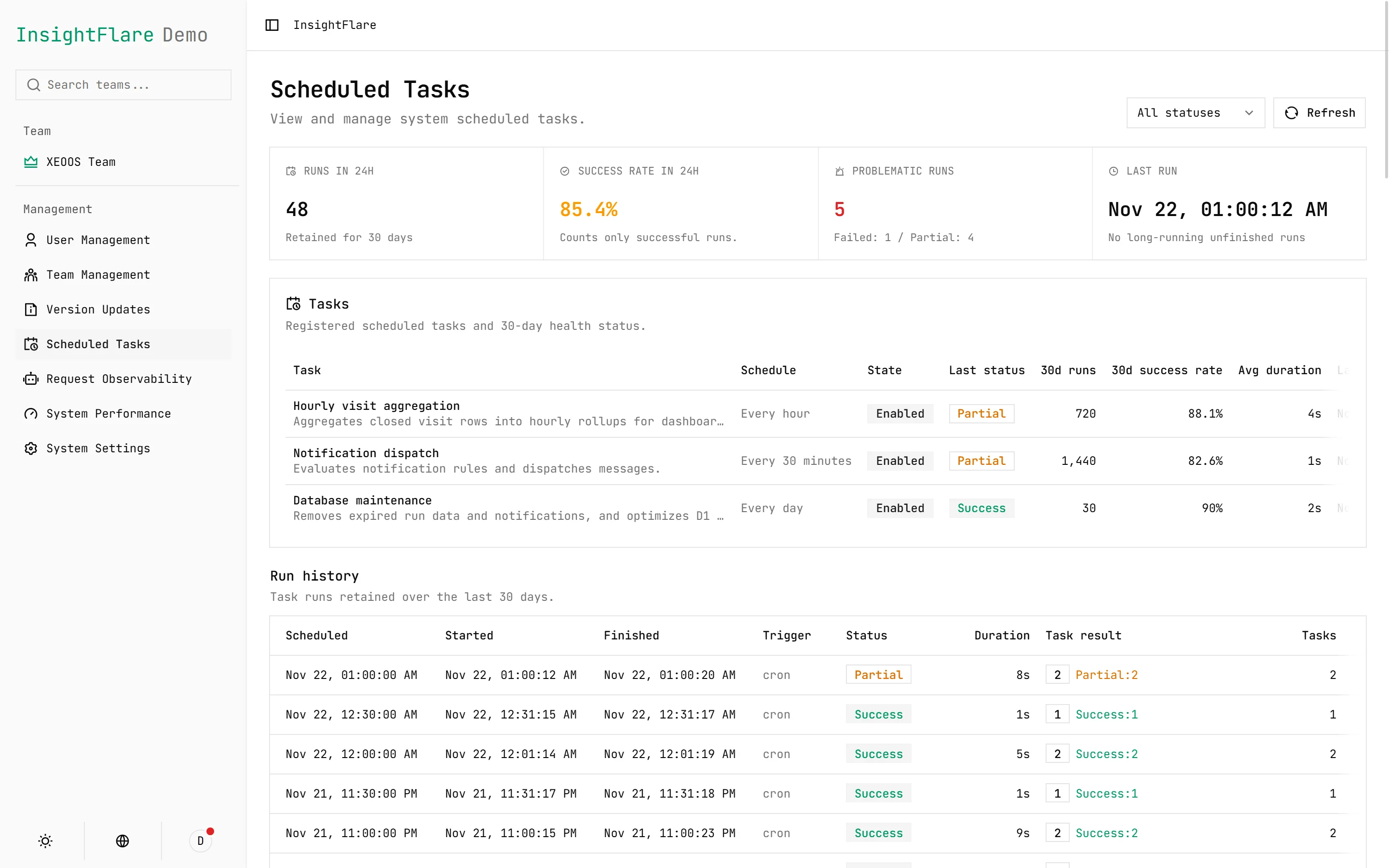
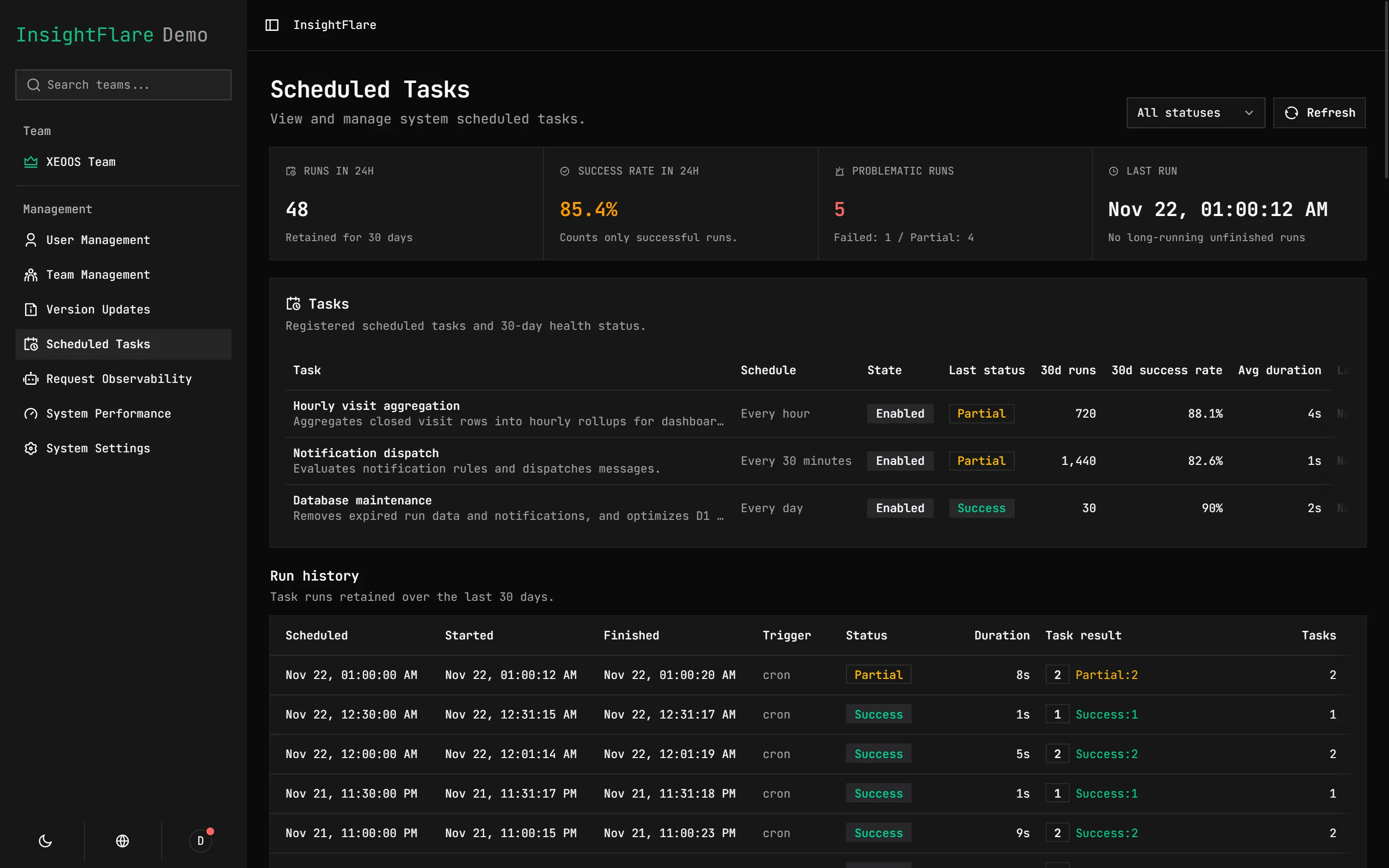
- One cron trigger runs every 30 minutes and dispatches three jobs: visit_hourly_rollup, notification_tick and database_maintenance. You can see run history and logs, turn jobs on or off, and set retention days.
- Notification rules cover reports, milestones, thresholds, changes and health checks. They support multiple conditions with all or any, run on a time zone schedule, and have a cooldown. Delivery goes to the in-app inbox and to email through Resend.
- Archiving old data to R2 is coming soon and is not available yet.
Change settings without a release
For example, turn off query parameter tracking or lower performance sampling. Scripts loaded after you save use the new settings, and the embed code on your pages stays the same.
Check that nothing is blocked by mistake
Review blocked requests by reason, ASN and country in request observability, then adjust the blocking rules with the rule tester.
Check that background jobs are healthy
See the result and logs of every scheduled run, pause a task, and set how many days logs and notifications are kept.
Getting started
Tracking settings are on each site's settings page. Request observability, scheduled tasks and notifications are in the management and team pages.
- 1In the site settings, choose the tracking strength (Strong, Smart or Weak; Smart is the default) and what to track.
- 2Add blocking rules if you need them, and check them with the rule tester.
- 3With Analytics Engine enabled, review request categories and reasons in Request observability.
- 4Check the scheduled task runs, and set up notification rules for your team.
Questions
track, trackOnce, identify, reset, setGlobalProperties and more. Clicks and form submissions can also be tracked with data attributes, with no code.
When the script is served, it includes a token tied to the site and the visitor's IP, valid for 12 hours. Requests without a valid token are dropped, so forged requests, or requests sent straight to /collect, never reach your reports.
R2 archiving is coming soon. For now, data is stored in D1.