
Analytics for docs sites, dev tools and open-source projects
A script of about 3.8 KB (gzip) and no cookies. You get Web Vitals from real visitors, see where traffic comes from, and deploy the whole thing to your own Cloudflare account with one click.
Heavy scripts and cookie banners
A tracker larger than your docs page undoes the performance work you did. Cookie banners annoy the readers you want to keep.
Not knowing what your readers actually use
Deciding whether to ship a new CSS or JS feature means guessing from global usage tables, which may not match your visitors.
A closed tool you cannot automate
If the data sits behind a dashboard, you cannot pull it into a script, a CI check or an agent.
How InsightFlare helps
A small script and a small SDK
One script tag installs it. For custom events, call the SDK from code or use data attributes in HTML.
- `track` sends an event, `trackOnce` sends a given event name once per page load.
- `identify` links a session to your own user ID.
- Data attributes track clicks without writing JavaScript.
Change settings without changing code
Tracking strength, blocking rules and other options are edited in the dashboard and apply online. You do not redeploy the site to change them.
Tracking settingsWeb Vitals, compatibility and screen sizes
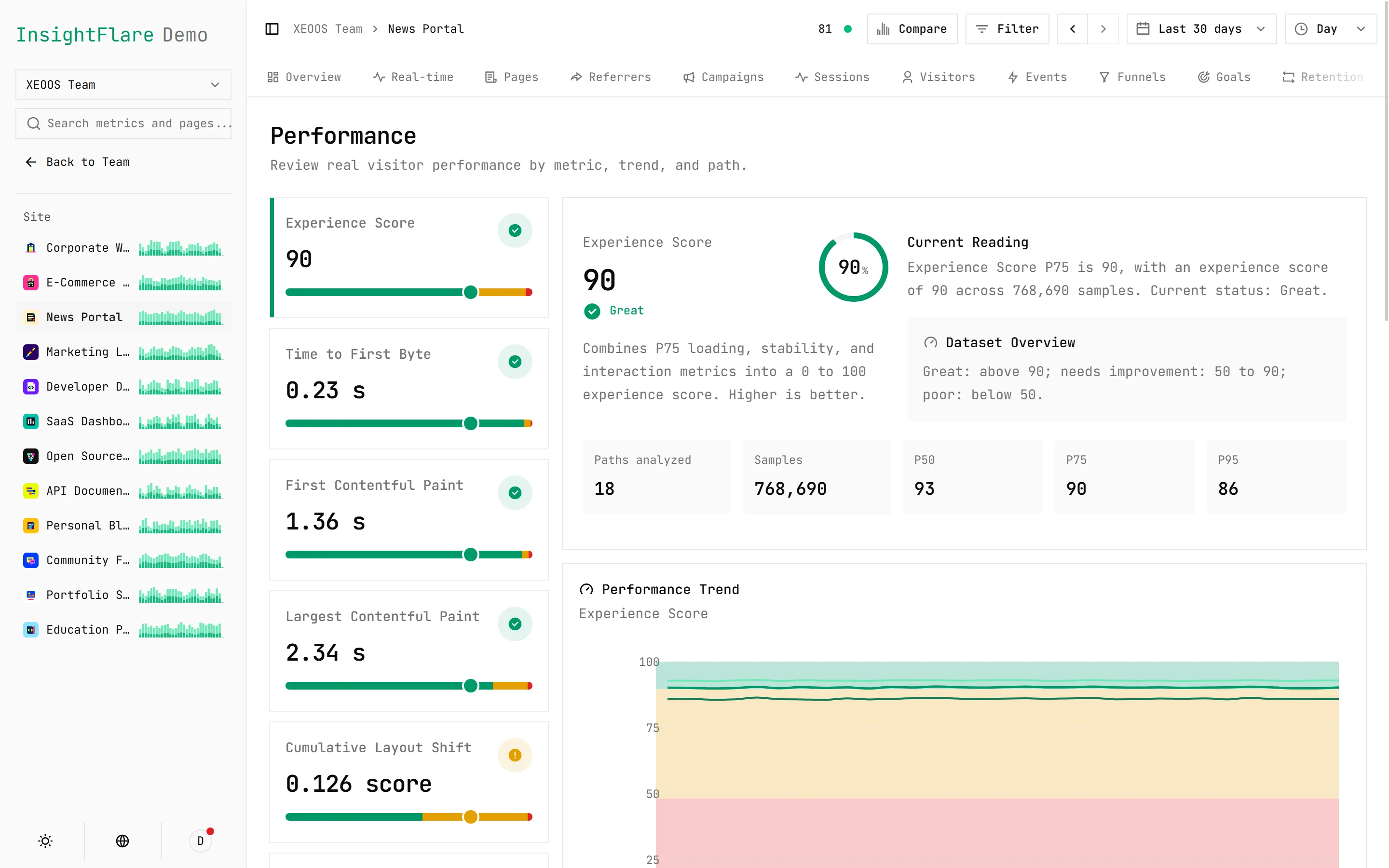
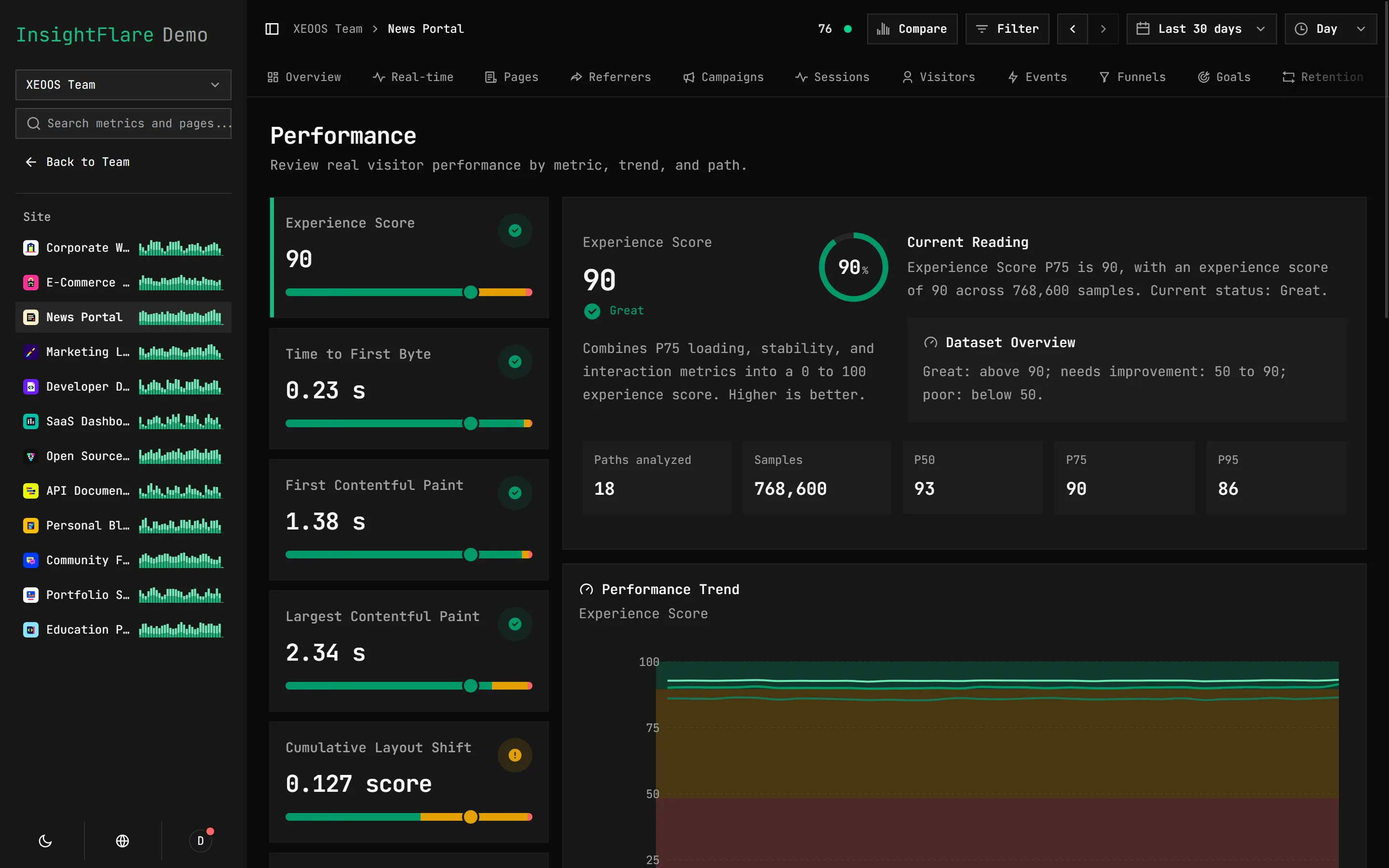
TTFB, FCP, LCP, CLS and INP come from real visits, shown at P50, P75 and P95 with a 0 to 100 experience score. The caniuse view checks Web features against the browsers your own visitors use, and screen preview shows real viewport sizes.
ExperienceWhere docs readers come from
Sources are grouped into 11 channels, with UTM support and a link builder. See how much traffic arrives from GitHub or Hacker News, and filter to one source.
- `referrer.domain eq "news.ycombinator.com"`
- `page.path startsWith "/docs" AND referrer.domain eq "github.com"`
Open source, your Cloudflare, an open API
MIT licensed. One-click deploy puts it on your Workers, D1, Durable Objects and KV, and updates are handled through InsightFlare Deploy. API v1 has an OpenAPI spec, and skills.json describes it for agents. With Analytics Engine enabled, request observability shows how requests to the collector are classified and blocked.
Self-hostingIt sets no cookies. By default, EU visitors get a daily server-side identifier and other regions get a random ID in localStorage. Normal visitor IPs are not stored. You can change the tracking strength in settings.
Yes. Add the script tag to your page template. Single-page navigation is tracked as page views.
Use API v1 with a scoped API key, or export tables as CSV. Webhooks and an MCP server are not available.
No. There are no session replays, heatmaps or error tracking. It covers traffic, events, funnels, Web Vitals and request observability.
Deploy it to your own Cloudflare account
Set up InsightFlare in a few steps, or open the live demo to look around first.